
SHAREit
SHAREit is a free Windows app from the SHAREit Team for moving photos, videos and documents between a PC and a phone. The current version is 5.1.0.7.
22.7 MB

UltraViewer is a free Windows program for controlling another computer remotely, mainly used to give or receive technical support.
Average 0.0 · ratings: 0
Thank you! Your rating is saved; you can change it. Could not save the rating. Please try again later. Too many ratings from your network today. Please try again tomorrow. The average appears after 5 ratings.
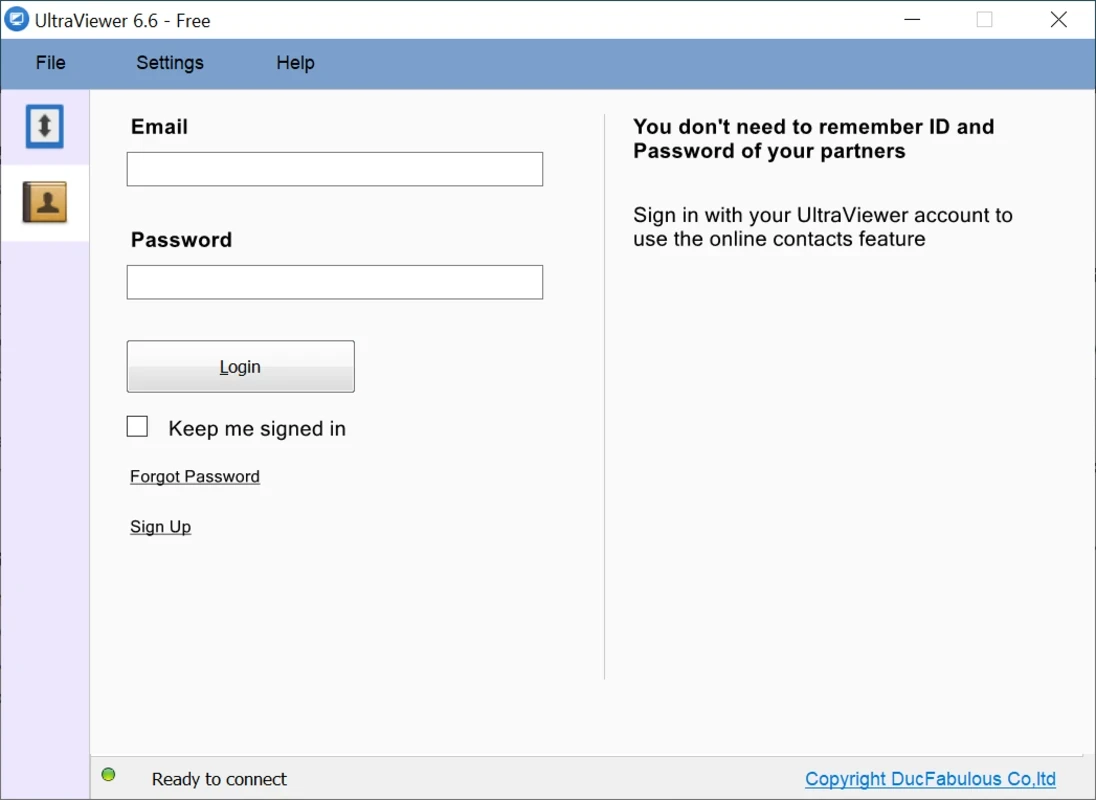
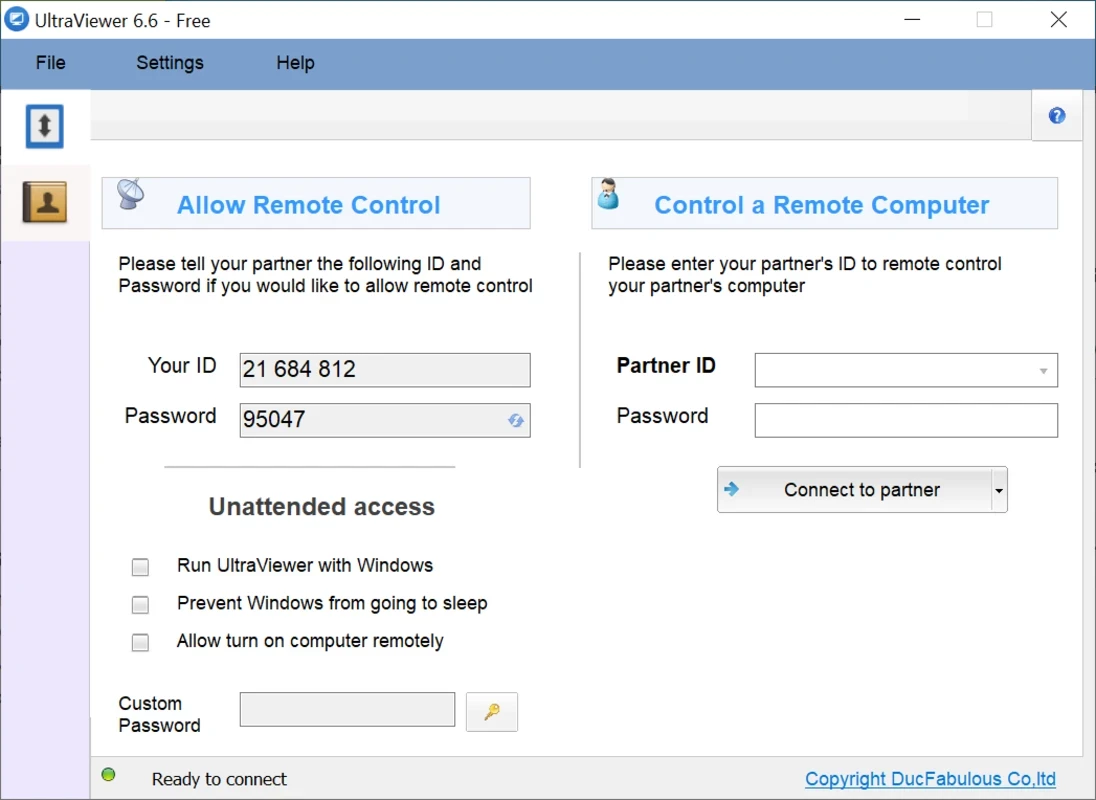
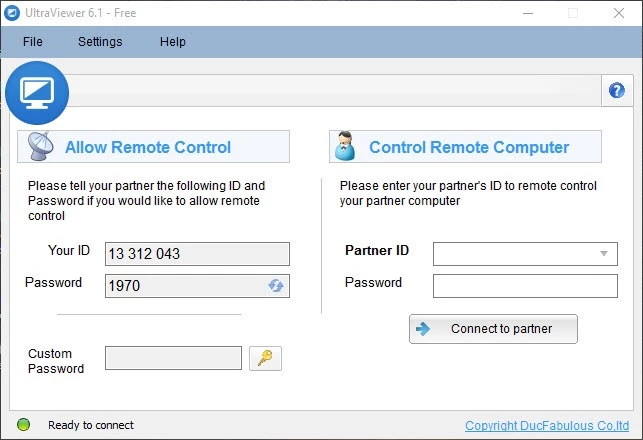
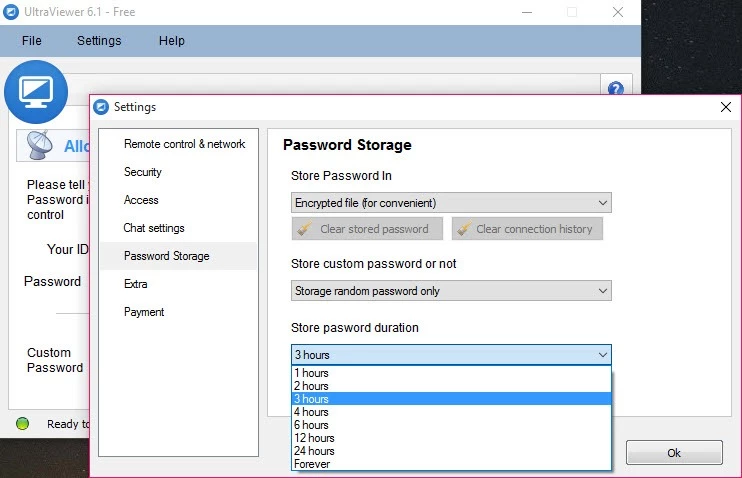
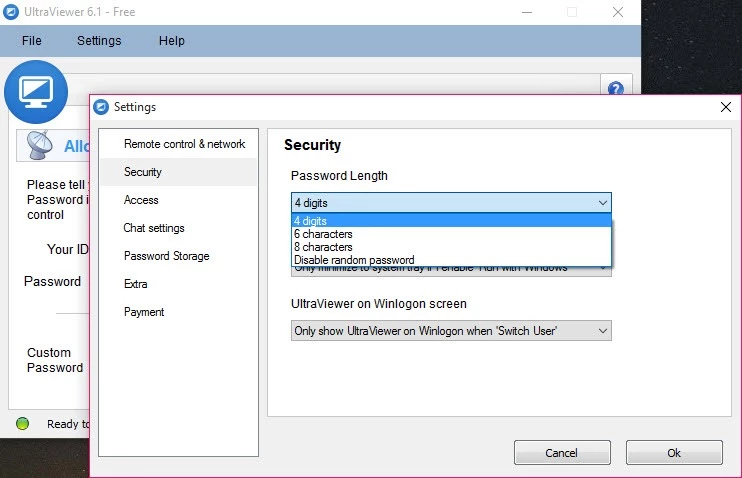
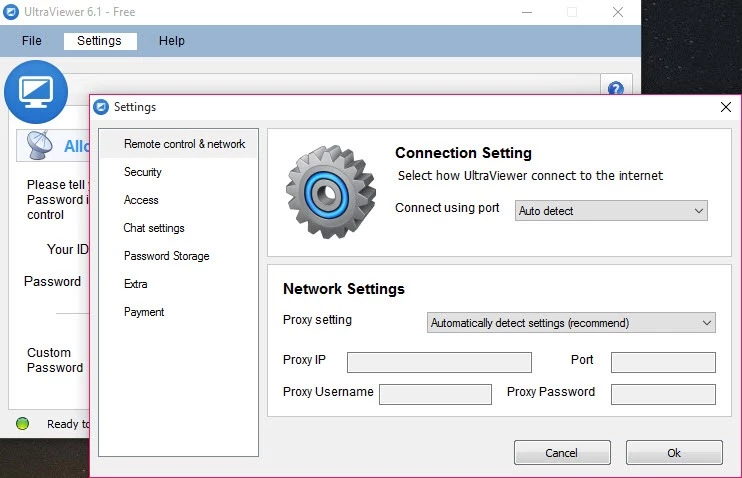
UltraViewer 6.6.127 is a free remote desktop program for Windows, developed by DucFabulous. It lets you see and control another computer over the internet, which is handy for helping a friend or a customer, and you can download it from the official UltraViewer website.
| Item | Details |
|---|---|
| Version | 6.6.127 |
| Developer | DucFabulous |
| Supported systems | Windows XP, 7, 8, 10, 11 and Windows Server |
| macOS | not supported |
| Licence | Freeware |
| Size | about 3.49 MB according to catalogue data |
Remote desktop software shows you the screen of another computer and passes your mouse and keyboard to it. UltraViewer is built for exactly the kind of support most people need: a relative cannot find a setting, a colleague has an error message, or a customer needs help installing a program. Both sides run UltraViewer, the person who needs help reads out their ID and password, and the helper connects. From then on the helper works on the remote screen as if sitting in front of it, while the other person watches everything that happens. Because the program is small and runs on many Windows versions, including old ones, it is often chosen for quick sessions on computers that are no longer up to date. According to the developer's FAQ, it runs only on Windows, and a macOS version is planned for the future.
New releases are described in the UltraViewer changelog, and compatibility questions are answered in the support centre.
Agree on a time before connecting, so the person on the other side is at the computer and can confirm access. Close private documents and email before the session starts. A wired or stable Wi-Fi connection on both ends makes the picture and mouse far more responsive, and lowering the screen resolution on the remote PC can help on slow links. When the job is finished, explain what you changed, so the other person can repeat it next time without calling you again.
Remote access tools are a favourite of phone scammers who pretend to be bank or tech support staff. Only share your ID and password with someone you know and contacted yourself, never with a caller who contacted you. Watch the screen during the session, close the program afterwards and change the password if you are unsure who saw it.
Our listings include AnyDesk and TeamViewer, both remote desktop programs, and Tailscale, which links your own devices into a private network.
SHAREit is a free Windows app from the SHAREit Team for moving photos, videos and documents between a PC and a phone. The current version is 5.1.0.7.
Zapya for Windows is a free file transfer app from DewMobile for moving files between a PC and phones over a local wireless connection.

Easy Connection to Screen is Samsung's Windows app for showing a PC's screen on a compatible Samsung TV over a wireless connection.

Internet Download Manager (IDM) is a shareware download manager for Windows from Tonec that accelerates, resumes and schedules downloads.

uTorrent (μTorrent) is a small BitTorrent client for Windows from Rainberry (BitTorrent Inc) for downloading and sharing files over torrents.

AnyDesk is a remote desktop application for connecting to and controlling another computer over the internet, from a small Windows program.

ShareMe is Xiaomi's free app for sending files between devices without a cable; on Windows the Android app runs only inside an emulator.

Xender is a free file sharing app from the Xender File Sharing Team for sending files between phones and computers over a local connection.